Spreadsheets are the right tool for most business processes, right up until the day they are not. That day has a shape: three people editing the same file, nobody sure which copy is current, a missed row that cost money, and one person who spends Friday afternoon reformatting it so the manager can read it. Then someone says "we should have a system for this", and the question becomes what to build, how big, and whether it will actually be used.
This is how we answer that question, and a worked case: a clinic that replaced its equipment maintenance and patient record spreadsheets with a purpose-built tool.
The five signs you have outgrown the sheet
- Concurrent editing. Two or more people change the same sheet. Versions fork, and the reconciliation is manual.
- A mistake has cost money. A missed maintenance date, a double booking, a price copied from the wrong row. Once it has happened, it will happen again.
- Reformatting is a job. Someone spends hours a week turning the sheet into a report, a chart or an email. The sheet is the database and a human is the application.
- Reconciliation against another system. The sheet has to agree with the accounting package, the CRM or the booking calendar, and it is checked by eye.
- History matters. A customer, an auditor or a regulator could ask "who changed this and when", and the answer is a shrug.
Two of the five and a tool pays for itself. One of the five and the answer is usually a better template.
What to build: the scoping method
The mistake is to build "a system" that replaces everything. The right first version replaces the one sheet that hurts most and nothing else.
Step 1. Name the records
What are the nouns in the sheet? Rows are usually one kind of thing: an asset, a patient, a job, an order. Columns are its fields. Write them down as a list of record types with their fields. If the sheet has two kinds of rows mixed together, that is two record types, and it is one reason the sheet is painful.
Step 2. Name the states and the events
What happens to a record over its life? An asset is "in service", "due for maintenance", "under repair", "retired". A job is "requested", "scheduled", "done", "invoiced". The transitions between states are the events the tool needs to capture, with who did it and when. This is the audit trail, and it is free once the states are named.
Step 3. Name the roles
Who creates records, who updates them, who only reads them, who approves? Three roles is typical: an operator who does the work, a supervisor who reviews, a manager who reads reports. Permissions follow from roles, and a tool without roles is a spreadsheet with a login.
Step 4. Name the reminders and the reports
What should the tool tell people without being asked? "Equipment X is due for service in seven days." "Three jobs have been in requested state for over a week." And what does the manager want on one screen every Monday? That report is the reason the reformatting job existed; the tool produces it from the records automatically.
Step 5. Name the integrations, and defer them
What other systems does the data touch? Accounting, calendar, email, a government portal. List them, then build the first version with export to CSV and nothing else. Integrations are where estimates go wrong; the tool has to prove itself before it earns them.
The output is a one-page specification: record types and fields, states and events, roles, reminders, reports, deferred integrations. That page is enough to estimate honestly and to build from.
The clinic case
A medical clinic ran two processes on spreadsheets: equipment maintenance schedules and patient records. Both showed all five signs. Maintenance dates were missed because the sheet was not looked at, records were edited by several staff with no history, and monthly reporting to management was a manual half-day.
What was built. A computerised maintenance management system tailored to the clinic, with:
- centralised patient data management with role-based access, so reception, clinicians and administration each saw what their role needed;
- equipment records with maintenance schedules, automatic alerts and notifications when service was due;
- appointment and resource allocation, so a room or a device could not be double-booked;
- secure record storage and retrieval with an audit trail on every change, supporting the regulatory documentation the clinic had to keep;
- reporting tools that produced the operational view management had been building by hand.
The stack. React on the front end, Ruby on Rails and PostgreSQL behind it, deployed on a hybrid cloud setup so the sensitive data sat where the clinic's policy required, with an integration to the ICD-10 coding standard for records.
What changed. Administrative time spent on record management fell by about 40 percent. Equipment downtime fell by about 65 percent, because preventive maintenance was scheduled and alerted rather than remembered. The audit trail made compliance documentation a report instead of a reconstruction. Scheduling stopped double-booking. Those figures are from the client's own comparison of the months before and after, and they are the kind of numbers a purpose-built tool produces when it replaces the two sheets that hurt most rather than everything at once.
What a good first version looks like
- It replaces one or two sheets completely, so nobody keeps a parallel copy "just in case".
- It has roles, states and an audit trail from day one, because retrofitting them is a rewrite.
- It sends the reminders the sheet never could.
- It produces the Monday report automatically.
- It exports everything to CSV, so the data is never trapped.
- It is deployed with a backup regime and a restore that has been tested once.
- It ships in weeks, with the deferred integrations written down for version two.
Where no-code fits
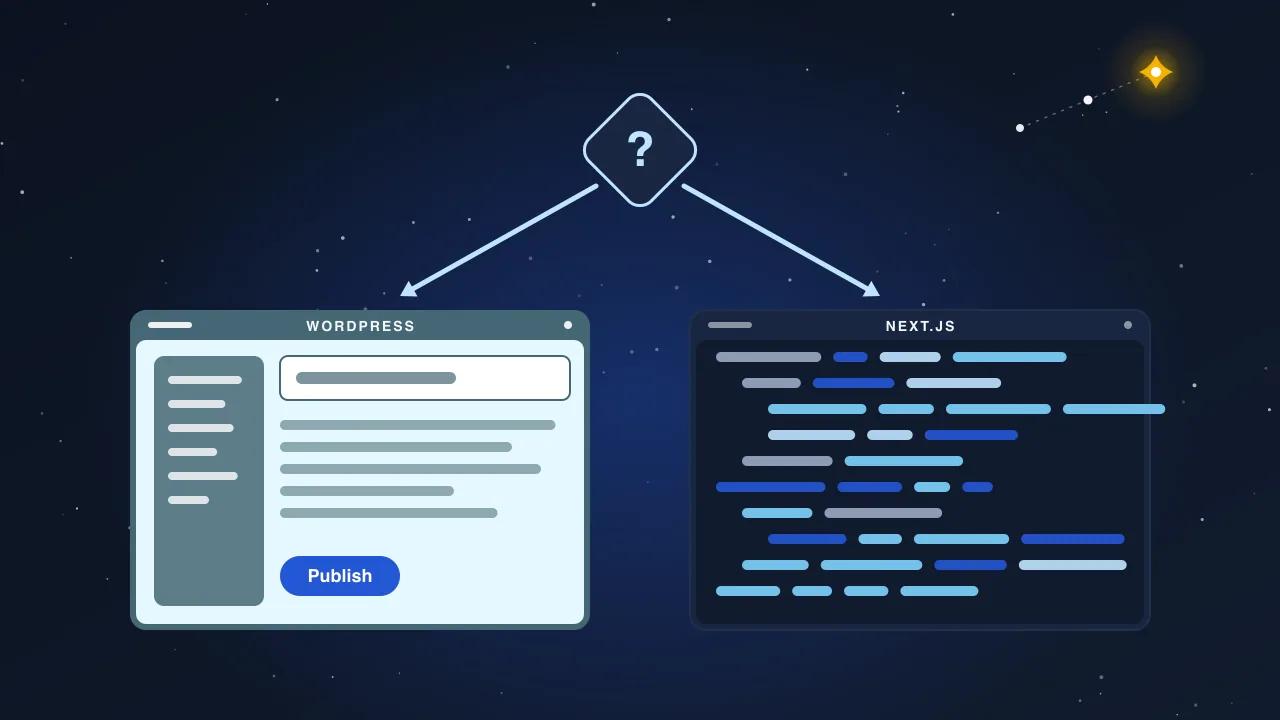
A form that writes to a table, one user role, no history requirement: a no-code platform does it in a week and that is the right answer. Custom development earns its cost when the tool needs permissions per role, an audit trail that will be examined, integrations with existing systems, or business rules that a no-code builder can only express through workarounds that break on the next platform update. The five-sign test usually tells you which side of that line you are on.
What we do
We run the scoping method with your team in a working session and hand you the one-page specification, whether or not you build with us. If you do, the first version ships in four to ten weeks with roles, states, reminders, the report and CSV export, and the integrations follow once the tool has earned them.