Search Console is the only tool that tells you what a search engine actually did with your site: which pages it indexed, which it declined, which queries it showed you for, and how many people clicked. It is also cluttered, and most owners open it, feel worse, and close it. You do not need all of it. You need five reports, read the same way every month, and a rule for telling a problem from noise.
This is written for the person who runs the business, not the person who runs the SEO.
Before the reports: check you own the right property
Search Console treats http://, https://, www and non-www as four different sites. Data for a site that changed protocol or dropped www years ago is often sitting in an old, unverified property. Verify a Domain property (the one that covers all variants) and use it for everything below. If you only have a URL-prefix property, the numbers may be a fraction of reality.
Report 1. Performance: are we being found, and for what?
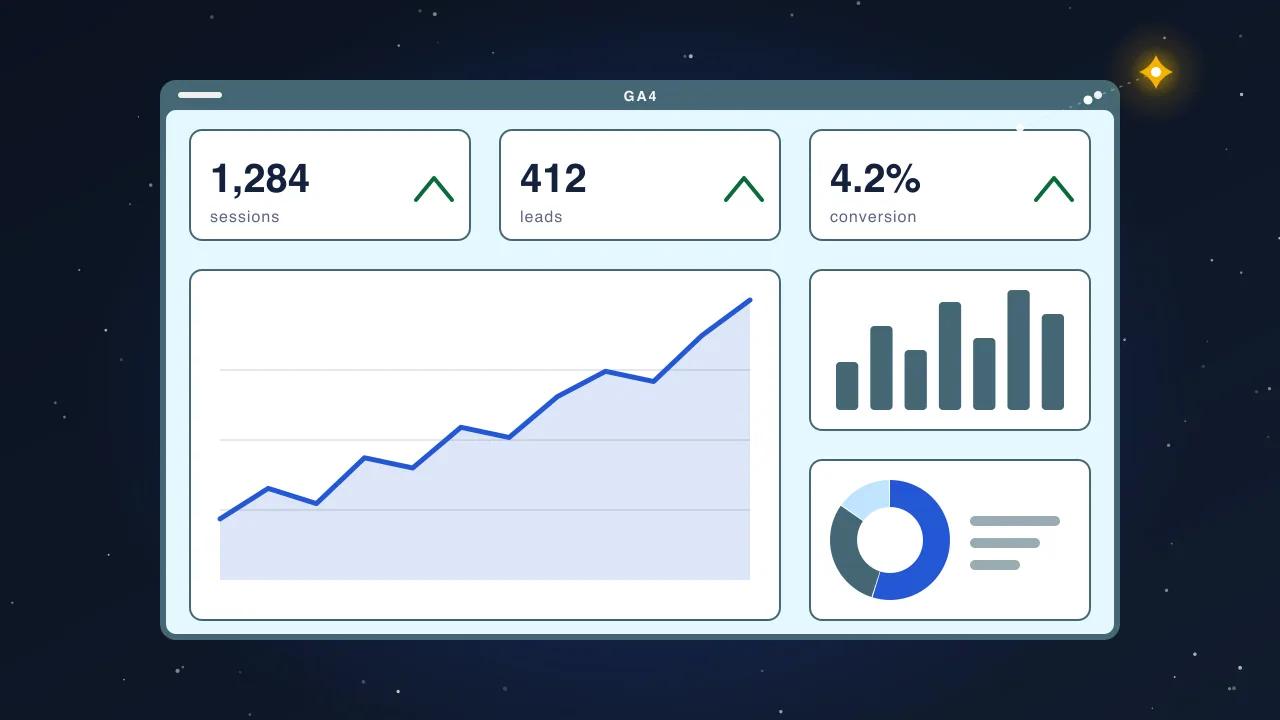
Open Performance, set the date range to the last three months, and compare it with the previous period. Four numbers sit at the top.
- Clicks: visits from search. The number that pays the bills.
- Impressions: how often a page of yours appeared in results, whether or not anyone clicked.
- Average CTR: clicks divided by impressions.
- Average position: where you appeared, averaged across everything. The least useful of the four on its own.
Then click the Queries tab and sort by impressions. This is the list of what people type when your site appears. Three things to look for:
- Your brand name. Usually the top query. Traffic that arrives by brand is not SEO working; it is your reputation working. Subtract it mentally when judging the rest.
- Queries with many impressions and few clicks. You appear but nobody chooses you. Either the position is low (page two) or the title and description do not answer the query. The second is fixable in an afternoon.
- Queries you did not expect. These are the market telling you what it thinks you sell. Sometimes it is a service page you should write.
Switch to the Pages tab and sort by clicks. Usually fewer than fifteen pages produce 80% of clicks. Those pages are what every future change must protect.
Report 2. Pages (Indexing): is our site actually in the index?
Under Indexing, open Pages. Two counts: indexed and not indexed. Below them, the reasons the not-indexed pages were excluded. The reasons are the report.
| Reason | What it means in plain terms | What to do |
|---|---|---|
| Crawled, currently not indexed | The crawler read the page and decided it was not worth storing. Thin or duplicate content | Add real content or consolidate the page. Resubmitting does nothing |
| Discovered, currently not indexed | The crawler knows the URL and has not fetched it yet. Low priority | Link to the page from pages that matter; wait |
| Duplicate without user-selected canonical | The same content at two addresses and the site does not say which is primary | Fix canonicals, parameters and trailing slashes |
| Page with redirect | The URL redirects; the destination is what counts | Normal after a migration. A problem only if the destination is wrong |
| Not found (404) | The page is gone and something still links to it | Redirect it if it had traffic, or remove the links |
| Excluded by noindex tag | You (or a plugin) told the crawler not to index it | Correct if intended. If a commercial page is here, that is the emergency |
| Blocked by robots.txt | The crawler is refused entry | Read robots.txt today |
A healthy business site has most of its important pages indexed and a small, understood set of exclusions. Hundreds of "Crawled, currently not indexed" pages is a content problem, not a technical one, and no plugin fixes it.
Report 3. Core Web Vitals: is the site fast enough for real visitors?
Under Experience, open Core Web Vitals and look at the mobile tab. URLs are grouped into Good, Needs improvement and Poor, measured from real visitors over 28 days.
You do not need to understand the metrics to act. Poor on mobile means visitors on phones are waiting several seconds and some leave. Click a Poor group and it shows example URLs and the failing metric. Hand that to whoever maintains the site with the question "what is the largest image on this template?", because that is the answer most of the time.
Check this report the month after any redesign, theme change or new plugin. It is the report that regresses quietly.
Report 4. Links: who points at us?
Under Links, three lists: top linked pages, top linking sites, and top linking text.
Read it for two things. First, whether the sites linking to you are real businesses, directories and publications or a pile of spam. Second, which of your pages earn links naturally, because those are the pages to keep alive through any migration and to build on.
Do not chase the count. Ten links from suppliers, partners and industry bodies are worth more than a thousand from directories nobody reads.
Report 5. Sitemaps and URL Inspection: did the search engine get what we sent?
Under Indexing, open Sitemaps. Your sitemap should be listed, with a status of Success and a discovered-URL count close to the number of real pages on the site. A sitemap that has not been read for months, or that reports errors, is the first thing to fix after a launch.
URL Inspection is the search box at the top. Paste any page and it tells you whether that exact URL is indexed, when it was last crawled, what canonical the search engine chose, and whether the mobile page rendered. Use it on your top five commercial pages after every change. It is the closest thing to asking the search engine a direct question.
The 20-minute monthly routine
- Performance, last 3 months vs previous. Note clicks and impressions. Screenshot the Queries tab sorted by impressions. (5 minutes)
- Pages sorted by clicks. Confirm the top fifteen are the pages you expect. Anything commercial missing? (3 minutes)
- Indexing, Pages. Any new reason with a rising count? Any commercial URL under noindex or blocked? (4 minutes)
- Core Web Vitals, mobile. Any group moved to Poor? (2 minutes)
- Sitemaps. Still Success, still read recently? (1 minute)
- URL Inspection on the top five pages. Indexed, canonical correct. (5 minutes)
Write the six answers in the same document every month. After three months you have a baseline, and a baseline is what turns a scary number into an explainable one.
When to call someone
- A commercial page shows as noindexed, blocked or not found.
- Clicks drop more than 20% month on month and you did not change anything you know of.
- "Crawled, currently not indexed" grows by hundreds after a redesign.
- The sitemap reports errors or has not been read in over a month.
- Core Web Vitals flip to Poor on mobile.
Each of those has a specific cause, and each is the kind of thing an audit finds in a day. What you should not do is request indexing repeatedly and hope. Search Console accepts the request every time; it does not change what the crawler finds when it arrives.