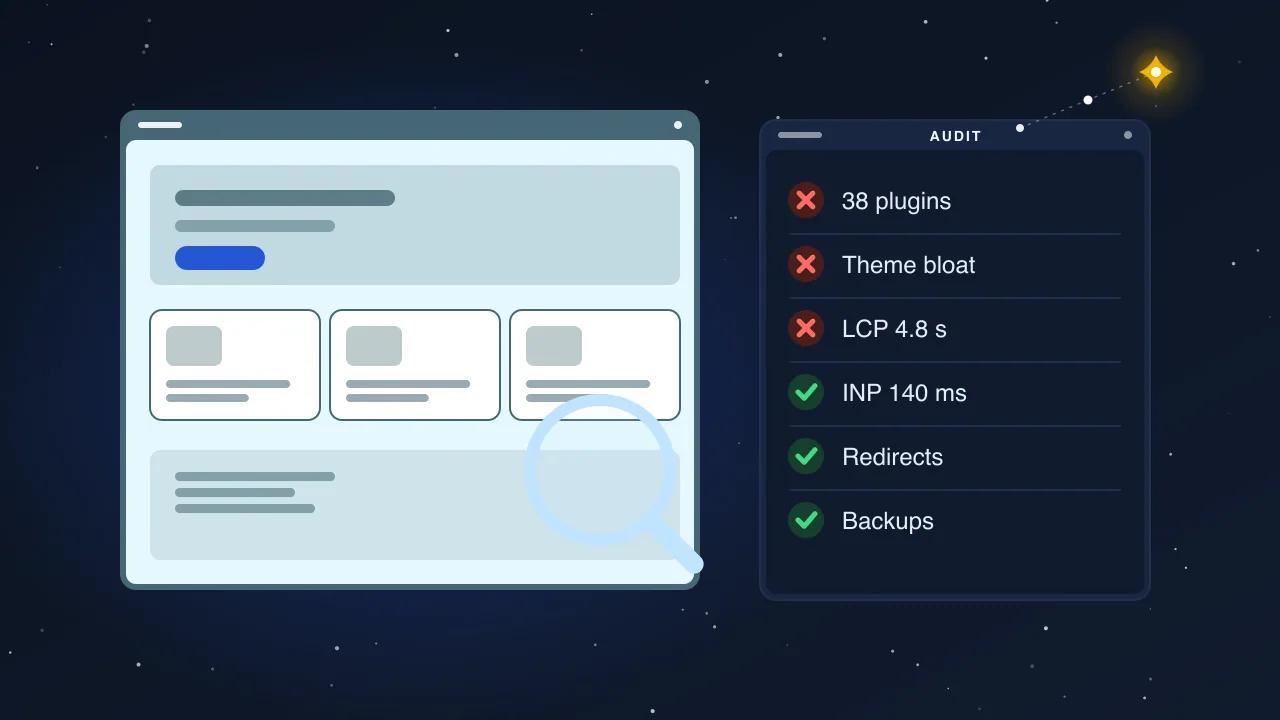
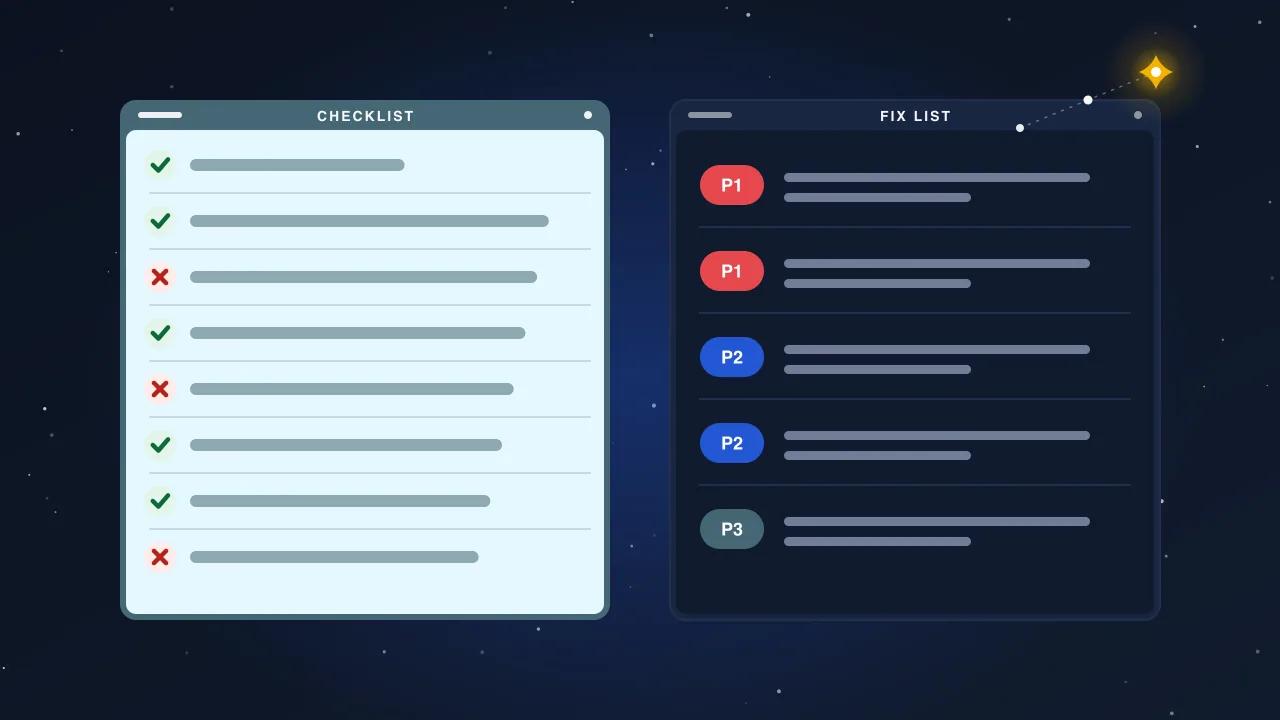
Most sites that lose traffic after leaving Wix did not lose it to WordPress. They lost it to a redirect map that was written from memory, a theme that dropped half the on-page text, and a launch that nobody crawled afterwards. The build is the easy part. This checklist is the part that protects what you already rank for.
It is written in the order we run it. Each step has a deliverable you can hold in your hand, so you know when it is actually done rather than "mostly done".
Before you touch anything: the inventory
A migration is a list of URLs with a destination for each. If you do not have the list, you cannot have the destinations.
Step 1. Export every URL Google knows about
Pull URLs from four places and merge them, because each source misses something:
- Search Console, Pages report, exported to CSV. This is what is indexed today, including pages you forgot existed.
- The Wix sitemap at
/sitemap.xml. Wix splits it into several sub-sitemaps; open each one. - A crawl with Screaming Frog or a similar tool, so you catch pages that are linked but not in the sitemap.
- Search Console, Performance report, last 16 months, filtered by page, so you know which URLs earn clicks.
Deduplicate, then add three columns: monthly clicks, monthly impressions, and the number of external links pointing at the page. Sort by clicks. The top 20% of that list is what the whole project protects.
Step 2. Capture the metadata you are about to lose
Wix stores titles, meta descriptions and alt text in its own database, and none of it comes across when you rebuild in WordPress. For every URL in the inventory, record:
- the
<title> - the meta description
- the H1
- the canonical URL, if any
- the alt text of the main image
- the word count of the body copy
You will use this table twice: once to reproduce the metadata, and once to prove parity after launch.
Design the new URL structure once, then freeze it
WordPress will not reproduce Wix's URLs unless you tell it to. Decide the structure before the build starts, because every redirect depends on it.
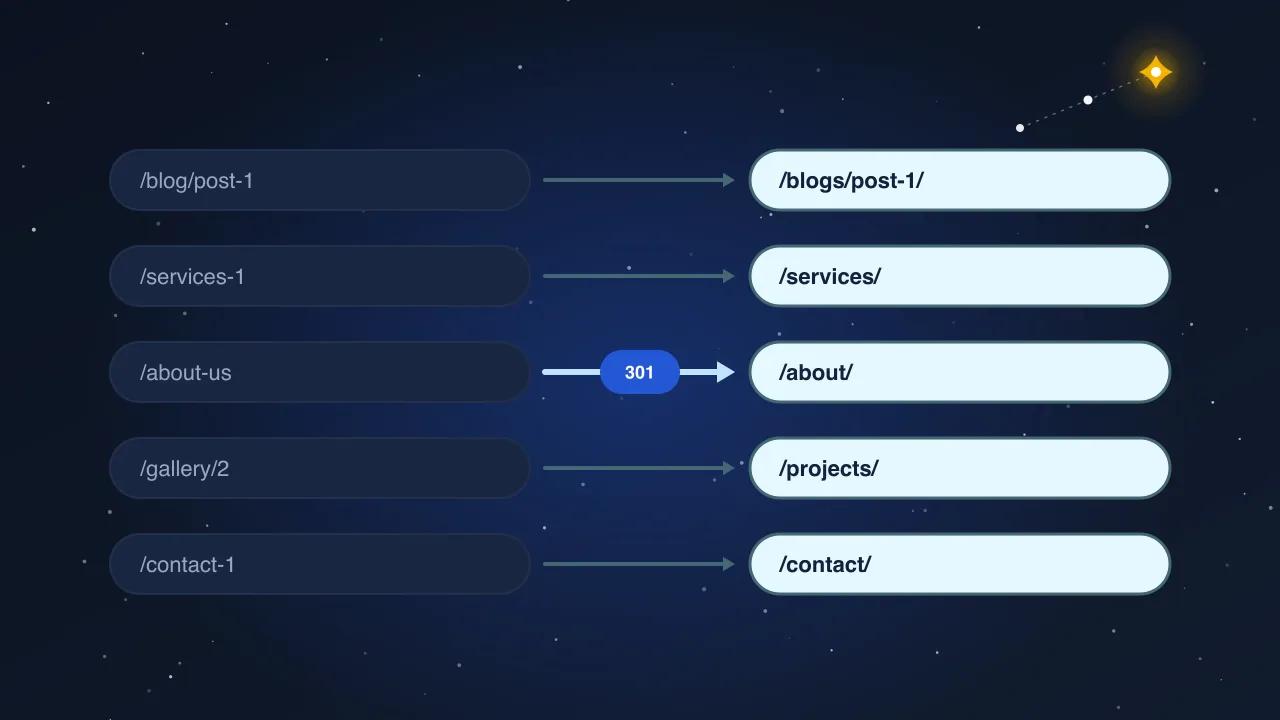
The rule that keeps rankings: change as little as possible. If the Wix URL is /services/roof-repair, make the WordPress URL /services/roof-repair/. A trailing slash is a redirect, not a loss. A completely new slug is a new page in Google's eyes, and it starts from zero until the 301 has been crawled and trusted.
Where you must change a URL, the reason should be one of: the old one was auto-generated junk (/post/untitled-3), it contained a date you no longer want, or it sat in a folder that no longer exists. Every other change is vanity, and vanity costs traffic for two to three months.
Build the redirect map before the site, not after
This is the step that separates a migration from a relaunch.
Step 3. One row per old URL
The redirect map is a spreadsheet with two columns: old URL, new URL. Every row in the inventory gets exactly one destination. No blanks, no "we will decide later". Rules that matter:
- Map to the equivalent page, not the home page. A 301 from a product page to the home page is treated as a soft 404 and passes almost nothing.
- One hop only. Old URL to new URL directly. Never old to interim to new.
- Retired pages go to the closest relevant page, and if there is none, let them return 410 on purpose. A deliberate 410 is cleaner than a misleading 301.
- Include the variants. Uppercase paths, URLs with and without trailing slashes,
?lightbox=and other Wix parameters. Wix serves the same page at several addresses; Google may have indexed any of them.
Step 4. Test the map on staging
Load the map into the redirect plugin or the server config on the staging site. Then run the crawler over the old URL list with the staging host substituted. Every row should return 301 followed by a 200 at the mapped destination. Fix every 404, every chain and every loop before you go further. This test takes ten minutes and prevents the most common way a migration goes wrong.
Rebuild the content with parity, not "inspired by"
Step 5. Carry the words across
Themes make people cut copy. The designer wants clean sections, the old page had four paragraphs, and two of them quietly disappear. Google notices. Use the word-count column from step 2: the new page should carry at least as much substantive text as the old one, in the same language, covering the same topics. Rewriting is fine. Deleting is not, unless the page was thin to begin with.
Step 6. Reproduce the metadata
From the table in step 2, set the title, meta description and H1 on each new page. Improve them if the old ones were weak, but never leave the defaults a theme generates. Set alt text on every image that carried it before.
Step 7. Rebuild what Wix did for you
Wix quietly handled a few things that WordPress leaves to you:
- XML sitemap. Generate one that lists only canonical, indexable URLs. Remove tags, author archives and attachment pages unless you actually want them indexed.
- Structured data. Wix emits basic Organization and, for some templates, Product markup. Recreate what applies, and add what was missing: BreadcrumbList on every page, FAQPage where you answer questions, and Article on posts.
- Image sizes. Wix served responsive images automatically. In WordPress, make sure the theme uses
srcsetand that uploads are converted to WebP. - Forms and tracking. Rebuild forms, then replay the analytics and tag manager setup. Check that the conversion events fire on the new thank-you URLs.
Cutover day
Step 8. Lower the TTL, then switch
Two days before launch, reduce the domain's DNS TTL to five minutes so the switch propagates fast. On the day: point the domain at the new host, confirm the certificate is issued, and only then remove the staging noindex. Check robots.txt does not carry a leftover Disallow: / from staging. That single line has taken more sites out of the index than any migration mistake.
Step 9. Crawl the old list against the live domain
Repeat the test from step 4, this time against production. Every old URL must resolve with one 301 to a 200. Then crawl the new site from the home page and confirm zero 404s, zero redirect chains and one canonical per page.
Step 10. Tell the search engines
Submit the new sitemap in Search Console. Use URL Inspection on the top 20 commercial pages and request indexing. Keep the old Wix site's Search Console property; its reports show you which old URLs still get crawled for months.
The post-launch checklist you keep for 90 days
| When | Check | What good looks like |
|---|---|---|
| Day 1 | Crawl errors in Search Console | No new 404s beyond the deliberate 410s |
| Day 3 | Coverage report | New URLs moving from Discovered to Indexed |
| Week 1 | Performance report, top 20 pages | Clicks within 15% of the pre-launch baseline |
| Week 2 | Core Web Vitals | LCP under 2.5 s on mobile for templates that earn traffic |
| Week 4 | Redirect log | Old URLs still being hit are mapped, not 404 |
| Day 90 | Performance vs. baseline | Traffic recovered or growing; if not, the map has gaps |
Rankings usually dip for one to three weeks while the 301s are recrawled, then recover if the map is complete and the content is intact. A dip that lasts past week four is a signal, not bad luck. Open the redirect log and the coverage report; the missing rows are there.
What we do differently
We treat the URL inventory as the scope of the project. The quote is based on the number of rows in it, because that is what determines the work, not the number of design mockups. Before DNS moves, we run the old list against staging and show the client the result. After launch, we run it again and hand over the crawl. The rebuilt site is only half the deliverable; the proof that nothing was lost is the other half.