Every few weeks someone asks us which one they should use, and the honest answer is that the question is missing four facts. Who edits the site, and how often? What does it have to integrate with? Who will host and maintain it? And how much of it is structured content versus written pages? Once those are on the table, the choice makes itself. This is the framework we use to get there, with the trade-offs stated plainly instead of as a vendor preference.
We build with both. That is not a hedge; it is why we can tell you where each one hurts.
What each one actually is
WordPress is a content management system with a rendering layer attached. Its strength is editing: anyone can write a page, upload an image and publish, and there is a plugin for almost every feature. Its weaknesses come from the same place: plugins are third-party code with their own update cycles, security records and performance costs, and the rendering layer was designed before mobile performance budgets existed.
Next.js is an application framework. Its strength is control: every byte of HTML, every image size and every redirect is yours to decide, and the result can be extremely fast and precisely structured. Its weakness is that it ships with no editing interface. Content lives in files or in a separate headless CMS, and someone has to build the templates that turn that content into pages.
Neither is "more SEO-friendly". Search engines see rendered HTML, titles, links and speed. Both stacks can produce excellent versions of those and terrible ones.
The four questions
1. Who edits it, and how often?
This is the question that decides most cases.
- Marketing edits weekly, no developer on hand: WordPress. The block editor, media library and preview flow are what your team expects, and they will use them.
- Content changes monthly, mostly from a spreadsheet or a product database: either, but Next.js with a CMS starts to win, because the content is structured and the templates matter more than the editor.
- Content changes rarely and a developer is always involved anyway: Next.js. Paying for a CMS nobody logs into is waste.
Be honest about the second half of the question. Many teams say "we will publish weekly" and publish quarterly. Choose for the frequency you have, not the one you aspire to.
2. What does it have to talk to?
List every system the site exchanges data with: CRM, quotation tool, booking system, ERP, payment gateway, product feed, newsletter.
- One or two well-known systems with WordPress plugins (a mainstream CRM, a payment gateway): WordPress handles it with a plugin and a form.
- A custom API, a product database that changes daily, or anything that needs server-side logic you control: Next.js. Writing that integration as a plugin inside WordPress is possible, but it is the part of the site that breaks on every core update.
- A store with hundreds of products and standard needs: WooCommerce is a reasonable answer. A store with custom pricing per customer, quotation flows or catalogue sync: Next.js talking to a commerce API, or a dedicated commerce platform with a custom front end.
3. Who hosts and maintains it?
Both stacks need maintenance. The kind differs.
- WordPress needs core, theme and plugin updates, a backup regime, malware scanning and a host that caches well. If nobody owns that, the site decays visibly within a year. Managed WordPress hosting solves most of it for a monthly fee.
- Next.js needs a build pipeline, a deployment target and a developer who can update dependencies a few times a year. Once deployed, it does not have a plugin ecosystem that can be exploited, which removes a whole class of emergencies.
If your only technical contact is a freelancer who is sometimes available, WordPress on managed hosting fails more gracefully. If you have a developer relationship you trust, Next.js is calmer to run.
4. How much of the content is structured?
A site is written pages plus structured records: products, projects, locations, team members, specifications, languages.
- Mostly written pages, a blog, a few forms: WordPress.
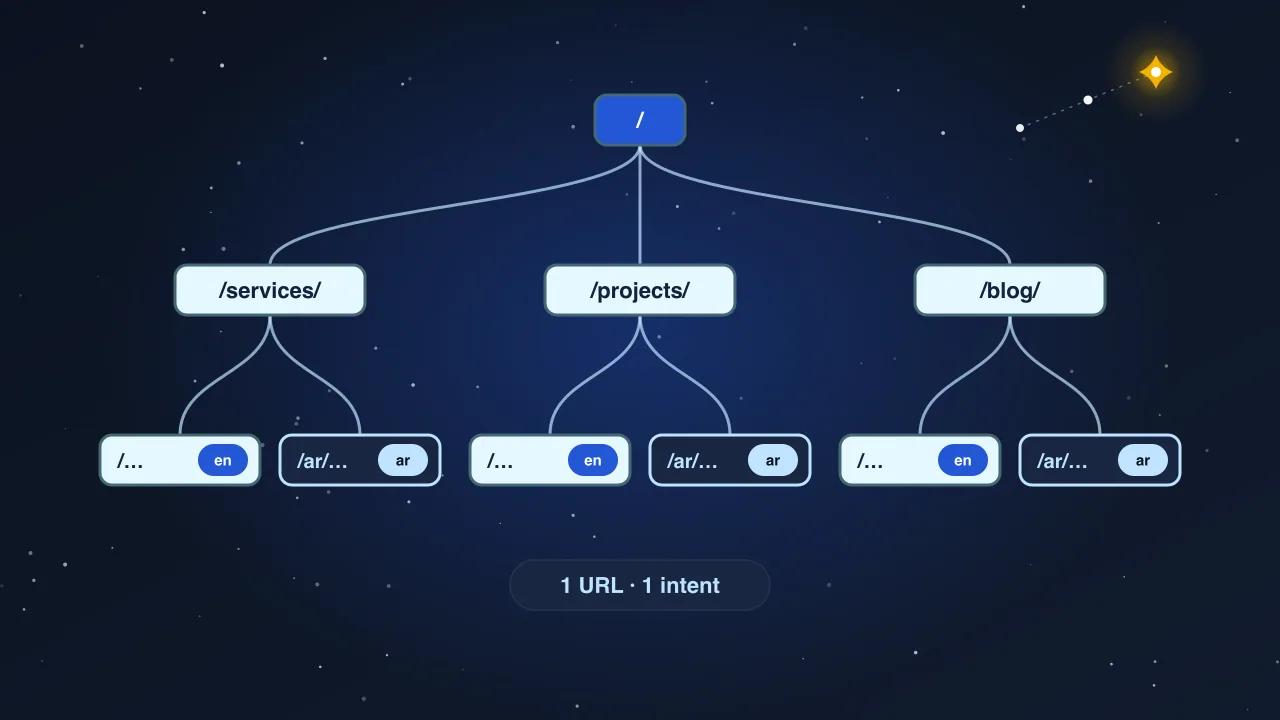
- A catalogue with specifications, a project library, two languages that must stay in step: Next.js with a CMS, or a headless WordPress if the team insists on the editor. Structured content with strict templates is where the control of Next.js pays for itself, because every record renders correctly without an editor hand-formatting it.
Where each one goes wrong
We have inherited enough of both to know the failure modes.
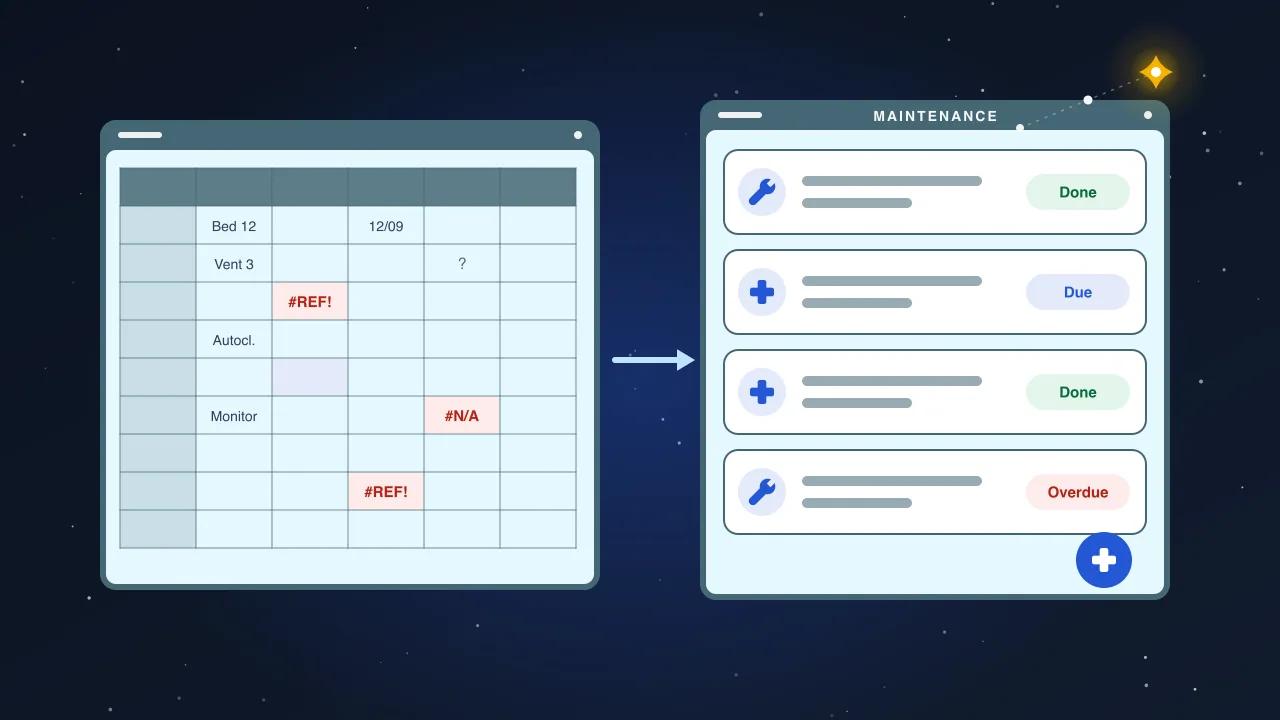
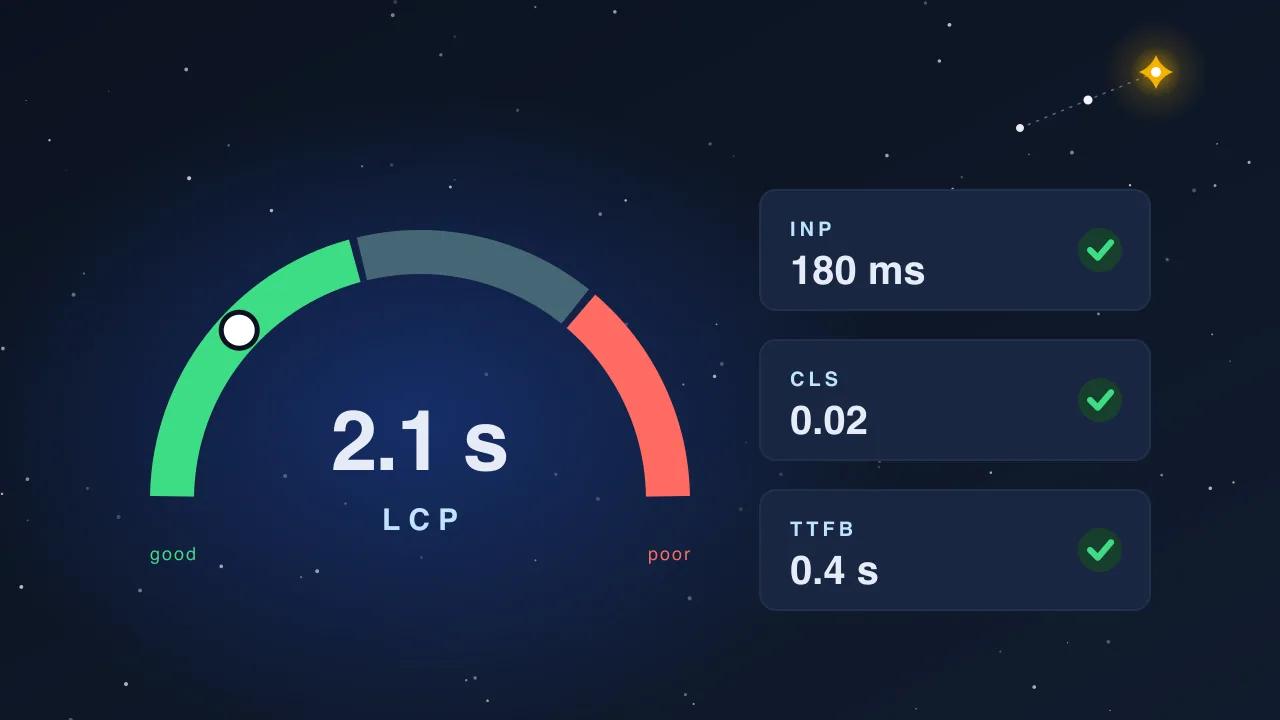
WordPress fails by accumulation. Twelve plugins, three of them abandoned, a page builder that emits 4 MB of HTML, a theme nobody can edit without breaking the layout, and a Largest Contentful Paint of six seconds on mobile. The site still works, but it is slow, insecure and expensive to change, and the marketing team stops publishing because every edit looks wrong.
Next.js fails by absence. No CMS, so every text change is a developer ticket. No metadata helper, so half the pages inherit the home page title. No sitemap, no structured data, no redirects, because nobody remembered that WordPress plugins used to do those. The site is fast and empty, and a year later the content is out of date because changing it was too much friction.
Both failures are the same failure: the stack was chosen for the launch, not for year two.
The decision table
| Situation | Recommendation |
|---|---|
| Brochure site, under 50 pages, marketing edits weekly, no in-house developer | WordPress on managed hosting, a lightweight theme, under eight plugins |
| Same, but bilingual with strict Arabic and English parity | WordPress with a proper multilingual setup and an editor who owns both languages, or Next.js with a CMS if the budget allows |
| Product catalogue with specifications, brands, projects, in two languages | Next.js with a headless CMS; templates enforce structure, editors fill fields |
| Site that integrates with a CRM, a quotation flow or an internal system | Next.js; the integration is real code you control |
| E-commerce with standard needs, under 500 products | WooCommerce on managed hosting |
| E-commerce with customer-specific pricing, quotes or catalogue sync | Commerce platform with a Next.js front end |
| Editorial site, many authors, media-heavy | WordPress; the editing workflow is the product |
| Landing pages for campaigns, changing monthly | Either; choose whichever the team already runs |
What a good build looks like on either stack
The stack matters less than the discipline. On both, we insist on:
- one owner for metadata, so every page has its own title, description and canonical;
- a sitemap generated from the content, never hand-written;
- structured data for the organisation, breadcrumbs and whatever the page is;
- images resized and converted on upload, never uploaded at camera resolution;
- a redirect layer with an owner, so URLs never die silently;
- a staging environment and a checklist for launch;
- a single analytics setup with named conversion events.
A WordPress site with those seven things beats a Next.js site without them, and the reverse is equally true.
How we decide with clients
We ask the four questions in a 30-minute call, look at the existing site and the systems around it, and recommend one stack with the reasons written down. If the recommendation is WordPress, we say which theme and which plugins and why the list is short. If it is Next.js, we say which CMS and who will edit what. Either way the deliverable is a site your team can run in year two, which is the only year that counts.