Most WordPress sites that fail Core Web Vitals fail for the same five reasons, and none of them is the theme's colour scheme. Once you know what each metric measures and where the time goes, the fixes are unglamorous and effective. This is what actually moves the numbers, in the order that pays off fastest.
What the three metrics measure
- Largest Contentful Paint (LCP) is how long until the biggest thing in the viewport is visible. On most pages that is the hero image or the heading. Target: under 2.5 seconds on mobile.
- Interaction to Next Paint (INP) is how long the page takes to respond after a tap or click, measured across the whole visit. Target: under 200 milliseconds.
- Cumulative Layout Shift (CLS) is how much the layout jumps around while loading. Target: under 0.1.
Search Console reports these from real visitors over 28 days, grouped by URL pattern. PageSpeed Insights reproduces them in a lab. Diagnose with the lab, confirm with the field.
The five causes, in order of how often we find them
1. Images uploaded at camera resolution
A 4,000-pixel JPEG from a phone is 3 to 5 MB. Placed in a hero slot that renders at 1,200 pixels wide, it is downloaded in full, decoded, and scaled down, and it is the LCP element. One image can add three seconds on a mobile connection.
Fix: resize on upload to the largest size the layout uses, convert to WebP, and make sure the theme emits srcset so phones get a smaller file. Check the "Properly size images" and "Serve images in next-gen formats" rows in PageSpeed; they name the files. Then set explicit width and height on every image so the browser reserves space, which also fixes most CLS.
2. No caching, or caching that does not apply
WordPress builds every page from the database on each request unless something caches the result. Without caching, the server response alone can take one to two seconds, and nothing else can start until it arrives.
Fix: page caching at the host or with a plugin, a CDN in front of the origin, and cache headers on static assets with lifetimes measured in months. Check the response headers of a cached page: a hit should return in under 200 milliseconds. If the host is shared and slow, no plugin saves it; move.
3. Render-blocking CSS and fonts
Themes and plugins each add stylesheets, and browsers will not paint until they have all arrived. Web fonts loaded from a third party add a round trip and, without font-display: swap, hide text until they load.
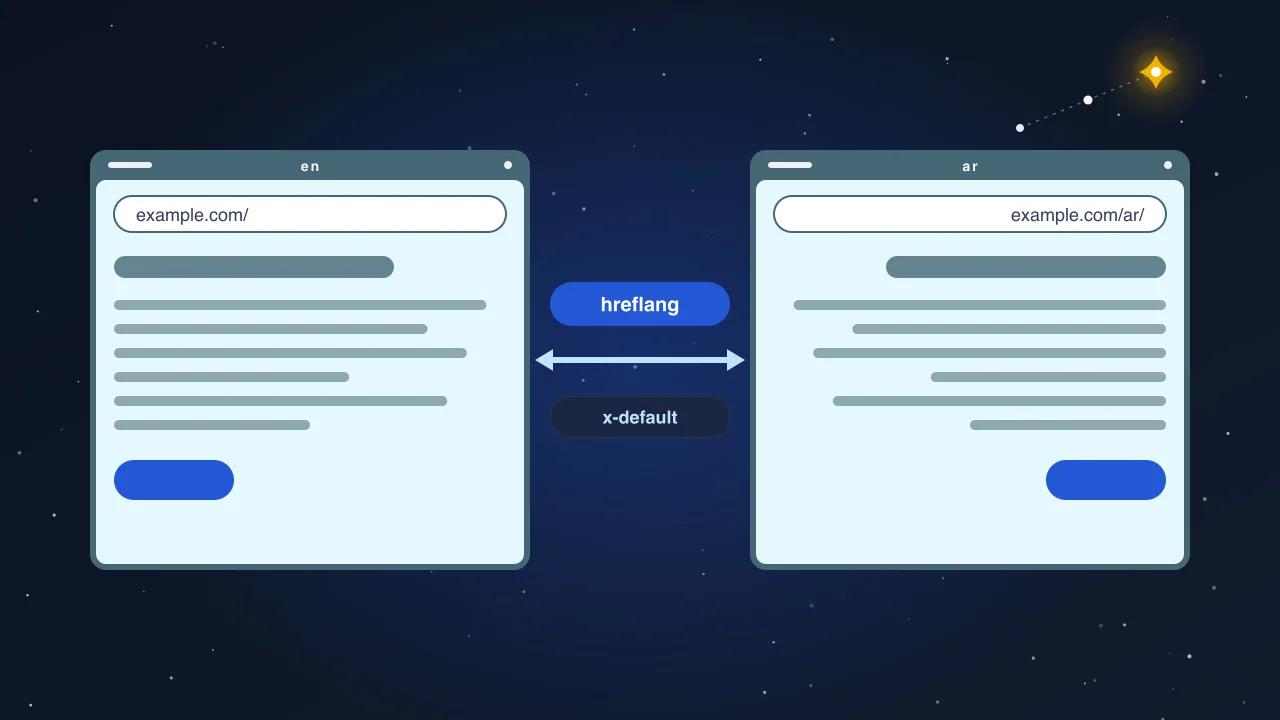
Fix: remove plugins that add styles to pages that do not use them, inline the critical CSS for the top of the page if the theme supports it, self-host fonts, subset them to the characters you need, and set font-display: swap. For Arabic-and-English sites, load the Arabic face only on Arabic pages and the Latin face only on Latin pages; the unicode-range descriptor does this without any per-page logic.
4. Third-party scripts
The tag manager that loads eight tags, the chat widget, the social embed, the heat-map recorder, the video player on every page. Each one runs JavaScript on the main thread, and INP is a measure of the main thread being busy when the visitor taps.
Fix: list every third-party domain the page loads and the business reason for it. Remove the ones without a reason. Defer the rest so they load after the page is interactive, and load the chat widget on click rather than on page load. Consent-gate the analytics and advertising tags, which also delays them for visitors who decline.
5. Heavy themes and page builders
A page builder emits its own CSS framework, its own JavaScript, and markup three times deeper than the design needs. Sliders, animation libraries and "parallax" effects add more. The result is a 4 MB home page with a Total Blocking Time over one second.
Fix: if the site is small, rebuild the templates that earn traffic in a lightweight theme and drop the builder. If that is not possible, disable the builder's unused modules, remove the slider (a static hero image is faster and converts as well), and turn off animations on mobile.
The order to work in
| Step | What | Metric it moves | Typical gain on mobile |
|---|---|---|---|
| 1 | Resize and convert the LCP image on each template | LCP | 1 to 3 s |
| 2 | Enable page caching and a CDN | LCP, INP | 0.5 to 2 s |
| 3 | Declare image dimensions, reserve space for embeds and ads | CLS | Pass |
| 4 | Self-host and subset fonts, font-display: swap | LCP, CLS | 0.3 to 0.8 s |
| 5 | Remove or defer third-party scripts | INP | 100 to 400 ms |
| 6 | Remove unused plugins and their assets | LCP, INP | 0.2 to 0.6 s |
| 7 | Replace the slider and heavy builder modules | All three | Varies |
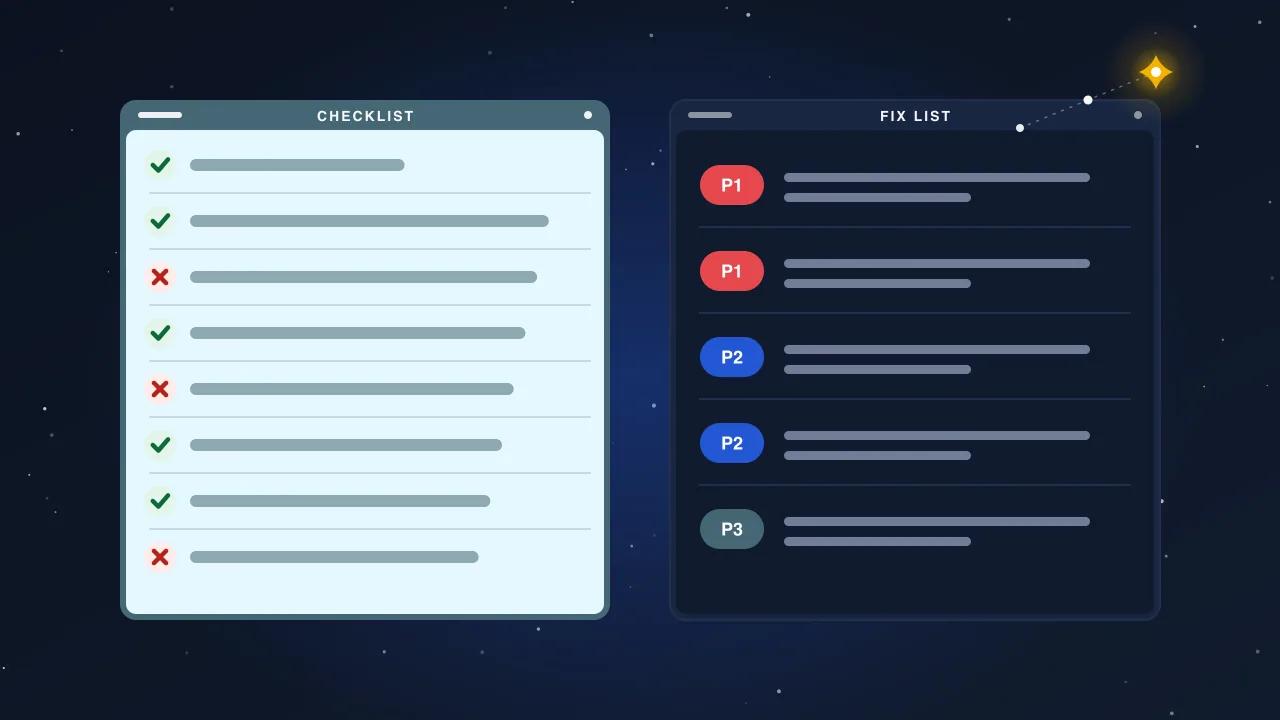
Do step 1 before anything else. It is the largest gain, it needs no developer, and it tells you how much of the problem was images alone.
How to measure without fooling yourself
- Take a baseline: PageSpeed Insights mobile for the home page, a service page and a post, and a screenshot of the Search Console Core Web Vitals report. Keep them.
- Change one thing at a time and re-run the lab test. If the number does not move, undo the change.
- Wait 28 days for the field report to reflect the change. The lab score can pass while real visitors on slow connections still fail; that is the number that counts.
- Watch INP specifically after adding any plugin. It is the metric that regresses quietly.
Where WordPress sites end up after this
A typical business site we work on arrives with a mobile LCP between four and seven seconds and leaves with one between 1.5 and 2.5. The first two steps account for most of that. INP is the stubborn one, because it depends on third-party scripts the business is attached to; the honest conversation there is which widgets actually produce leads and which are habit.
None of this requires a redesign. It requires someone to measure, change one thing, measure again, and keep the site that way when the next plugin request arrives.