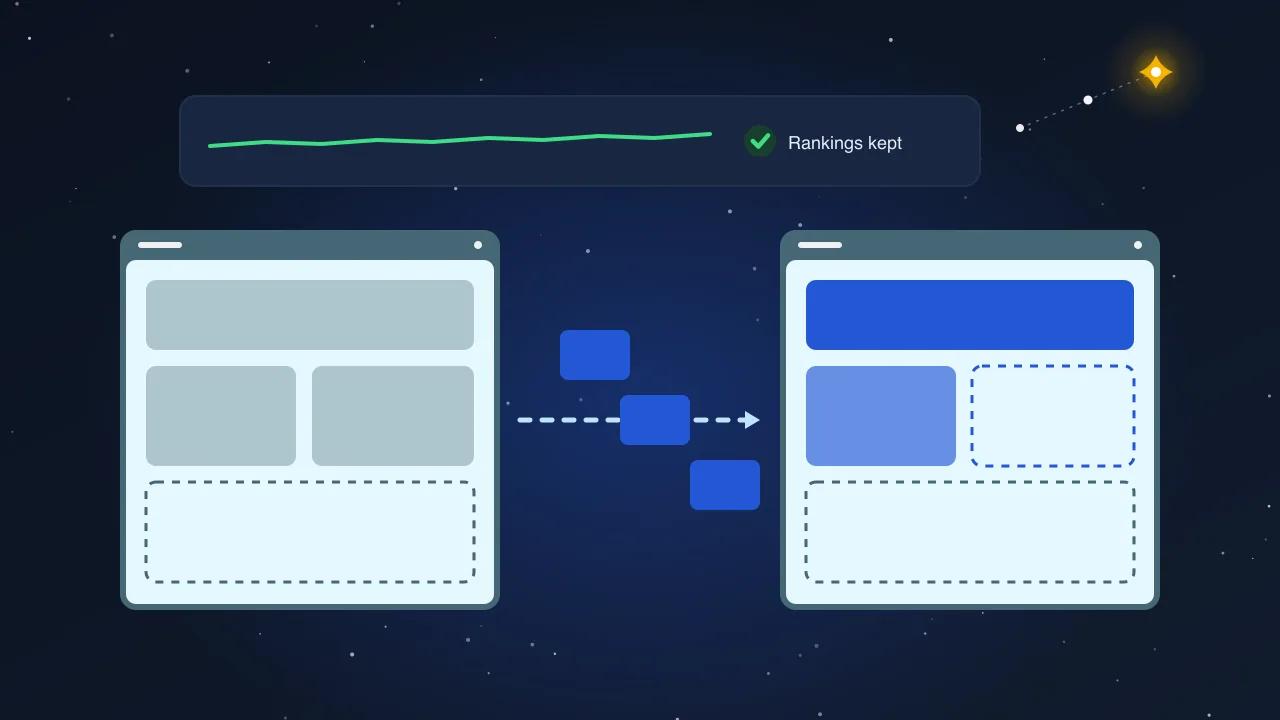
The most expensive redesign is the one that reproduces the old site's problems in a new colour. A redesign that starts from a mockup inherits the plugin pile, the 4 MB hero image, the duplicate titles and the 300 orphaned tag pages, and then adds a new theme on top. Audit first. The audit tells you whether you need a redesign at all, and if you do, what it has to fix.
This is the audit we run, in six areas, with a scoring sheet at the end. Most of it needs no developer. Two items do, and they are marked.
1. Plugin inventory
Export the plugin list from the admin, then add four columns and fill them honestly.
| Column | How to fill it |
|---|---|
| Job | One sentence. If you cannot write it, the plugin is a candidate for removal |
| Last update | From the plugin page. Anything over 12 months without an update is a risk |
| Overlap | Does another plugin do the same job? Two SEO plugins, two caching plugins and two form plugins are common |
| Front-end cost | Does it load scripts or styles on pages that do not use it? Check with the browser's network tab on the home page |
Typical findings on a five-year-old site: two abandoned plugins, one that only exists to support a feature nobody uses, a page builder loading on every page, and three plugins that all insert their own copy of a font library. Each one is a few hundred milliseconds on mobile.
2. Theme health
This is the first of the two items that benefit from a developer.
- Is it a child theme? If customisations were made directly to a purchased theme, every update either overwrites them or gets skipped. Both are bad.
- How much CSS and JavaScript does it ship? Measure it: total transferred bytes on the home page with caching disabled. Under 500 KB is good for a business site. Over 2 MB means the theme is doing the work of an application.
- Does it depend on a page builder? Builders are convenient and heavy. If the whole site is built in one, the theme is effectively that builder, with its update cycle and its markup.
- Can a non-developer change a heading without breaking a layout? Try it on staging. If the answer is no, the theme is not editable in any practical sense.
- Is the markup sensible? One H1 per page, headings in order, images with dimensions, no text inside images. A crawler reports all of this.
3. Core Web Vitals
Get two numbers for every template that earns traffic: the home page, a service page, a blog post, a product page if there is a shop.
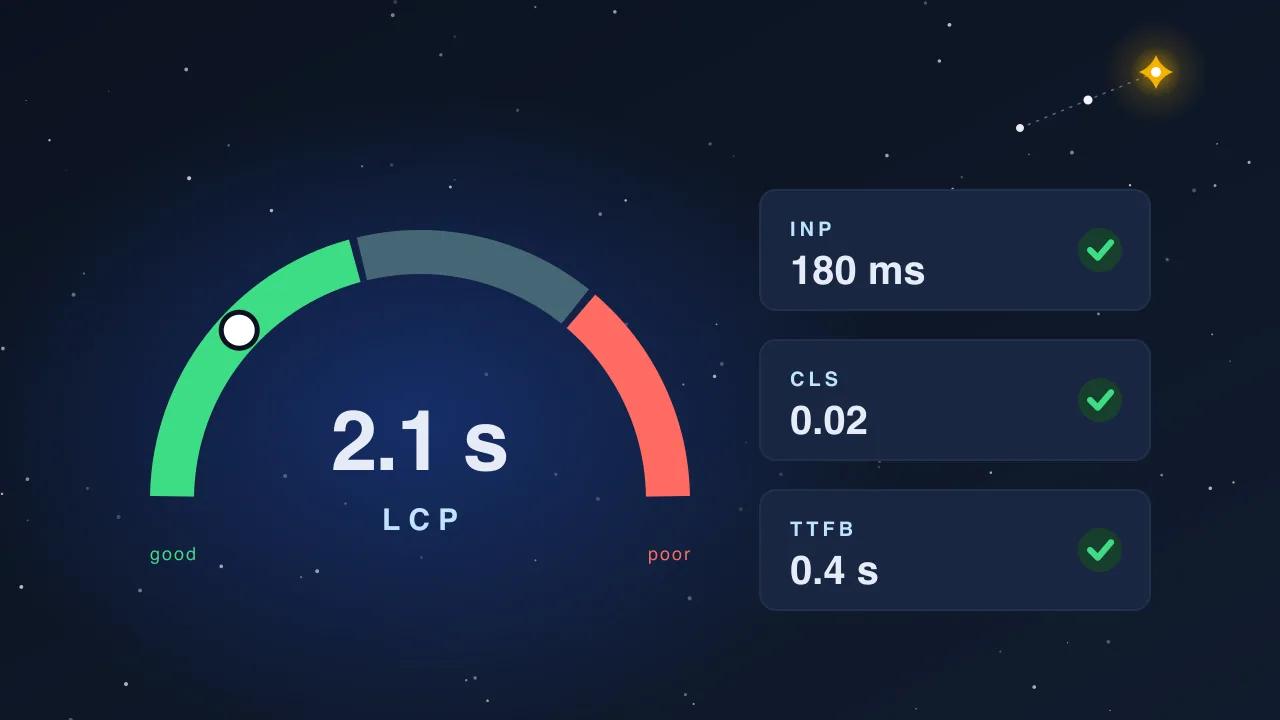
- Lab data from PageSpeed Insights: LCP, INP, CLS, total blocking time and total page weight, on mobile.
- Field data from the Core Web Vitals report in Search Console, which shows what real visitors experience over 28 days.
Targets: LCP under 2.5 seconds, INP under 200 milliseconds, CLS under 0.1, on mobile. The causes, in the order we find them: images uploaded at full resolution, no caching or a misconfigured cache, render-blocking CSS and fonts from plugins, a hero slider, and third-party scripts (chat widgets, embeds, tag managers loading more tags).
Write down the largest image on each template and its size in kilobytes. That single number often explains the whole LCP score.
4. Security and hosting
- WordPress core version, PHP version, and whether either is behind. PHP versions past end of life are both a security and a speed problem.
- Are automatic updates on, and for what?
- Is there a backup regime, where do backups go, and has anyone ever restored one?
- Is there a firewall or malware scanner, and what has it reported?
- Where is the site hosted, what is the plan, and what does the host's own status page say about uptime? Cheap shared hosting is often the real cause of a "slow WordPress site".
- Does the admin use two-factor authentication, and how many admin accounts exist? Sites accumulate admin users from old agencies.
5. Indexation and structure
Open Search Console and the crawl side by side.
- Pages report: how many URLs are indexed versus submitted, and what the not-indexed reasons are. "Crawled, currently not indexed" in large numbers means thin pages. "Duplicate without user-selected canonical" means the theme or plugins are creating variants.
- What is being indexed that should not be: tag archives with one post, author pages, attachment pages,
?replytocom=variants, paginated comment URLs, the search results page. Each is a plugin setting away from being noindexed. - Titles and descriptions: crawl the site and sort by title. Duplicates and defaults (
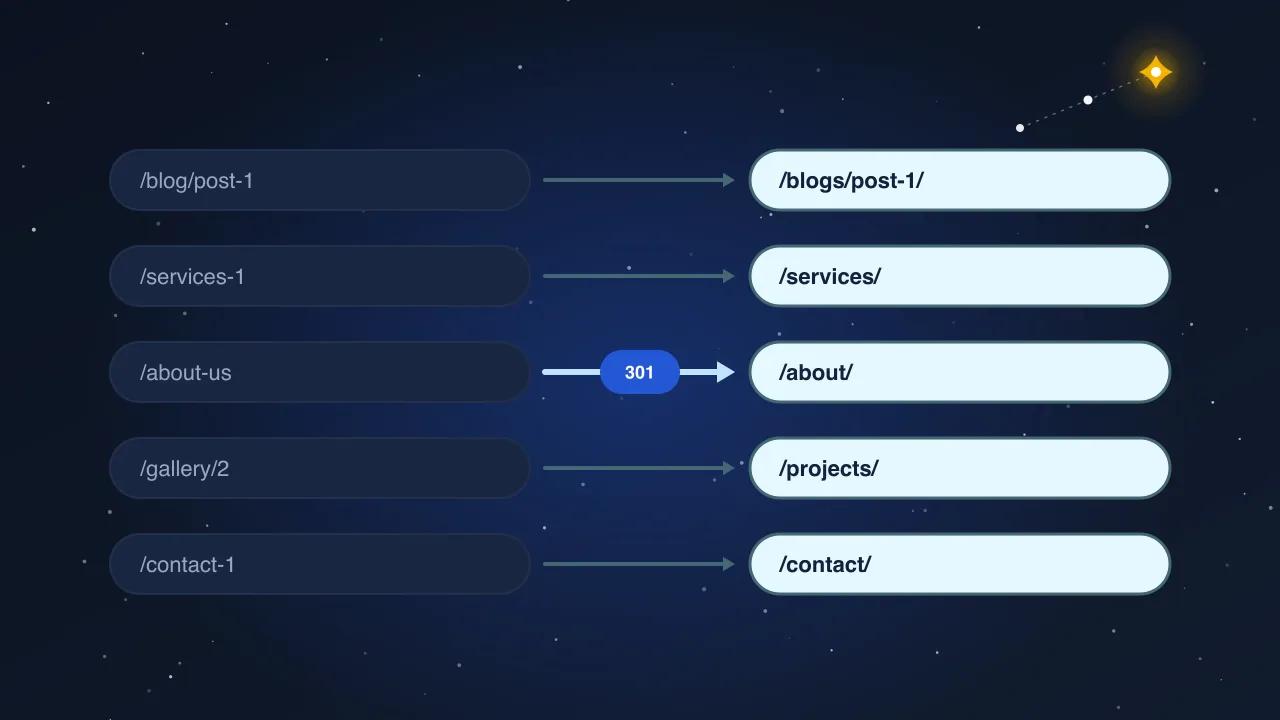
Home - Company Nameon 40 pages) show up immediately. - Canonicals and redirects: every page should canonical to itself. Chains and loops appear here.
- Sitemap: does it exist, is it submitted, does it list only indexable canonical URLs?
- Structured data: run the rich results test on each template. Missing Organization and BreadcrumbList are the norm; wrong Product markup is the common error on shops.
6. Content and information architecture
This is the section that decides between repair and redesign.
- List the pages that earn 80% of clicks, from Search Console. Usually it is under 15 pages. Those are what a redesign must not break.
- List the pages with zero impressions in 16 months. Usually it is over half the site. Those are candidates to consolidate or retire, which is a content decision, not a design one.
- Check whether the navigation reflects what the business sells today. A site that still leads with a service the company stopped offering needs a structure change, and that is a legitimate reason to redesign.
- Check the language setup if the site is bilingual: does every page have a real translation, or does the switcher land on English with an Arabic flag?
The database check
The second developer item. Old WordPress databases carry the weight of every plugin ever installed: orphaned options, transients that never expired, post revisions in the tens of thousands, and tables from plugins deleted years ago. A quick look at table sizes and the options table tells you whether the site is slow because of what it renders or because of what it stores. Cleaning it is a morning's work and often removes a second from admin page loads.
The scoring sheet
Score each area from 0 (broken) to 3 (good), and write the single biggest problem next to it.
| Area | Score | Biggest problem |
|---|---|---|
| Plugins | ||
| Theme | ||
| Core Web Vitals | ||
| Security and hosting | ||
| Indexation and structure | ||
| Content and IA |
Reading the sheet:
- Low scores in plugins, vitals and hosting, high in content and IA: repair, not redesign. Remove plugins, fix images, move hosting, keep the design. Two weeks, not two months.
- Low score in theme, with everything else workable: replace the theme and migrate the content into it. A rebuild without a rethink.
- Low score in content and IA: redesign, because the structure is wrong, and use the other scores as the list of things the new build must fix on day one.
What we hand over
Our audit is this list, run against your site, with the scored sheet and a fix order ranked by effect on traffic and effort. When the answer is "repair", we say so, and the repair is usually cheaper than the redesign you were about to commission. When the answer is "redesign", the audit becomes the first section of the brief.