Most Arabic websites are English websites with the strings replaced. The layout still reads left to right in a hundred small ways, the font is whatever the visitor's phone falls back to, a Latin brand name in an Arabic sentence renders backwards, the phone number splits in the middle, and the crawler is told the page is in English. Every one of those is a fixable item, and this is the list. It is written to be run top to bottom against a real page, in the browser first and then in a crawler.
1. Document setup
<html lang="ar" dir="rtl">on every Arabic page, computed from the locale, never hard-coded to one value for the whole site. A bilingual site withdir="ltr"in the root layout renders every Arabic page backwards.<meta charset="utf-8">first in the head. Encoding problems show up as question marks and boxes.- The Arabic version has its own URL (
/ar/…), not a parameter and not a cookie. A crawler and a human must get the same document at the same address. langon any element that switches language mid-page, such as an English quote inside Arabic copy, so screen readers and search engines read it correctly.
2. Typography
- Choose an Arabic typeface deliberately. System fallbacks differ wildly between devices; the page will look different on every phone. Self-host a face with full Arabic coverage and the weights you use.
- Load Arabic and Latin faces separately and let
unicode-rangedecide which applies per character. That way Latin terms inside Arabic text get the Latin face, Arabic gets the Arabic face, and no[dir="rtl"]font override is needed anywhere. - Line height around 1.8 to 1.9 for body text. Arabic glyphs are taller and carry marks above and below the baseline; Latin defaults of 1.5 make it cramped.
- Never apply
letter-spacingto Arabic. It is a connected script; spacing breaks the joins and the word. - Headline sizes need retuning. Arabic runs 20 to 30 percent longer than English, and a headline that fits on two lines in English wraps to five on a phone in Arabic. Shorten the copy or reduce the display size for the Arabic locale.
- Check bold weights actually exist. A missing 700 weight gets faux-bolded by the browser, which smears Arabic letterforms.
3. Mixed-script text
This is where most Arabic sites look broken to native readers.
- Latin terms inside Arabic sentences (product names, technical terms) need a space on both sides. A conjunction glued to a Latin word (
وWordPress) renders as a stray letter attached to the wrong end. - Prefixes before Latin words use a kashida:
بـ React,الـ Frontend. The browser's bidi algorithm handles the rest as long as the tokens are separated. - Phone numbers, codes and anything starting with
+or a digit need a left-to-right mark before them or adir="ltr"wrapper, otherwise the plus sign jumps to the wrong side. - Code blocks, file paths and URLs are wrapped in
<code>or<pre>withdirection: ltr; unicode-bidi: isolate; text-align: left. An Arabic page showing/ar/services/reversed is a common sight. - Dynamic strings of unknown direction (user names, product titles from a database) go inside
<bdi>so they cannot flip the surrounding line. - Punctuation: Arabic comma
،and question mark؟. A Latin comma at the end of an Arabic clause sits on the wrong side.
4. Layout mirroring
- Build with CSS logical properties:
margin-inline-start,padding-inline-end,inset-inline,text-align: start. A layout written withmargin-lefthas to be overridden rule by rule for RTL, and something is always missed. - Navigation, breadcrumbs and pagination reverse. Breadcrumb separators should point the other way. "Next" is on the left.
- Icons that imply direction (arrows, chevrons, "back") are mirrored with
transform: scaleX(-1)under[dir="rtl"]. Icons that do not imply direction (a phone, a checkmark) are not. - Carousels and sliders need their direction set explicitly; most libraries have an RTL option and ignore the document direction otherwise.
- Fixed art compositions (a hero built from absolutely positioned pieces) should be pinned to
direction: ltrso the artwork stays intact while the page around it mirrors. - Tables mirror automatically for text alignment, but check numeric columns: numbers stay left-to-right inside a right-aligned cell, which is correct, but headers and totals often need
text-align: end.
5. Forms
- Labels and placeholders in Arabic, with the input's
dirmatching the expected content:dir="ltr"on email, URL and phone fields even on Arabic pages, because that content is Latin. - Validation messages in Arabic, and not from the browser's default English strings.
- Buttons: the primary action sits where the reading order ends, which mirrors from the English layout.
- Date pickers and select menus from libraries often ignore
dir. Test each one.
6. Numerals and dates
- Pick one numeral system, Arabic-Indic (١٢٣) or Western (123), and apply it site-wide. Mixing both on one page reads as careless.
- Format dates, prices and counts with the platform's locale functions (
Intl.DateTimeFormat,Intl.NumberFormatwitharorar-u-nu-latn) rather than typing strings by hand. Hand-typed dates are the ones that end up in the wrong numeral system on half the pages. - Currency symbols and units go where the locale puts them, which the same functions handle.
7. Performance specific to Arabic
- Arabic web fonts are large. Subset them to the glyph ranges you use, serve WOFF2, and set
font-display: swapso text is never invisible while the font loads. - Load the Arabic face only on Arabic pages. With
unicode-rangethis is automatic: the browser skips a face whose range does not appear on the page. - Test on a mid-range phone on a slow connection. Arabic pages tend to be heavier than their English twins because of the font and because Arabic text is longer; the LCP target is the same 2.5 seconds.
8. Technical SEO for Arabic pages
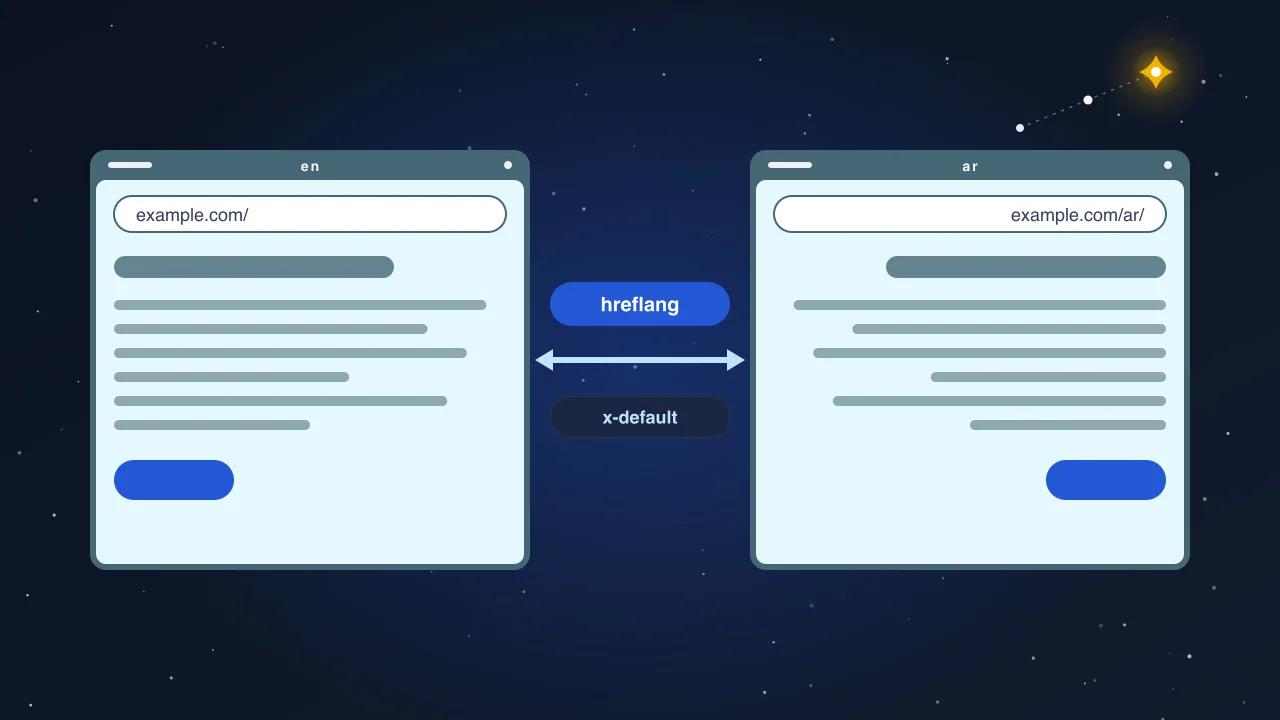
- hreflang on every page:
en,ar,x-default, reciprocal, pointing at canonical URLs, and emitted only for pages that truly exist in Arabic. - Canonical on each Arabic page pointing at itself, not at the English version.
- Sitemap listing Arabic URLs with alternates. If Arabic URLs are missing from the sitemap, they will be discovered late and indexed late.
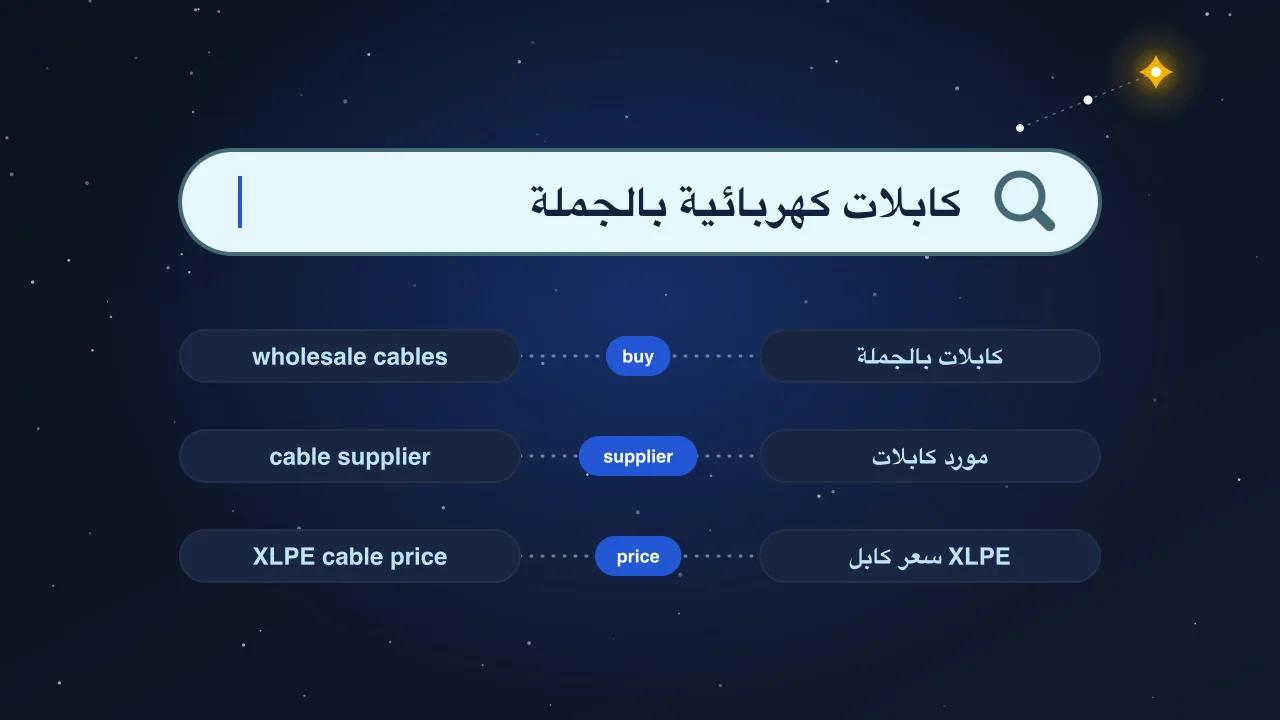
- Titles and descriptions written in Arabic, not translated by a plugin, matching what Arabic speakers type. Technical terms can stay in Latin script when that is how people search for them.
- Structured data with
inLanguage: "ar"on Arabic pages, and Organization details shared through one@idacross both languages. - No automatic redirects by browser language. They hide the Arabic version from crawlers that present as English and from Arabic speakers whose browser is set to English.
- Real content parity. A thin Arabic page next to a full English page is crawled and dismissed. If the Arabic page has a third of the words, it is not a translation; it is a stub.
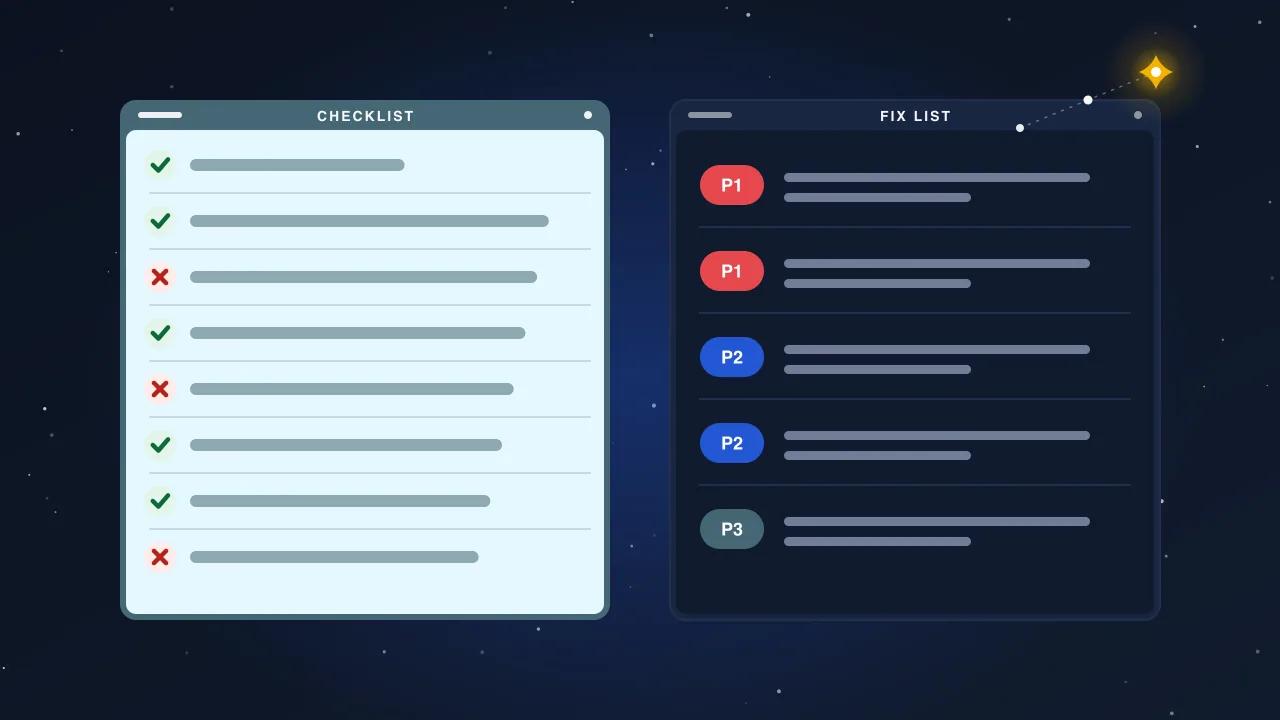
The checklist
| Area | Check | Pass |
|---|---|---|
| Document | lang="ar" dir="rtl" from the locale; own URL | |
| Fonts | Self-hosted Arabic face, subset, unicode-range, no letter-spacing | |
| Mixed text | Spaces around Latin terms, kashida prefixes, LTR marks on numbers, isolated code | |
| Layout | Logical properties, mirrored icons, RTL sliders, pinned art | |
| Forms | Arabic labels, dir per field type, Arabic validation | |
| Numerals | One system, locale-formatted dates and prices | |
| Performance | WOFF2 subset, swap, LCP under 2.5 s on a phone | |
| SEO | hreflang, self-canonical, sitemap, Arabic titles, inLanguage, no auto-redirect, content parity |
Run it on three pages: the home page, one service page and one post. If all three pass, the templates pass. If one fails, every page on that template fails with it.
Why this is an SEO article and not a design article
Search engines read the same signals a native reader does. A page with the wrong lang, no hreflang, thin translated text and a Latin canonical is judged exactly as the reader judges it: not really Arabic. The design items above matter because they are what the crawler sees rendered, and the SEO items matter because they are how the crawler is told what it is looking at. Fix both, in this order, and Arabic pages stop being the part of the site that never appears in results.